Introduction
Receiving an e-challan is stressful enough, but it can become even more frustrating when your payment does not go through. Whether you are using JazzCash, EasyPaisa, internet banking, an ATM, or another payment method, a failed transaction can happen for several reasons. The good news is that most payment issues can be resolved without much difficulty if you know the right steps to follow. If you want to see more practical tips about Pakistan's digital traffic fine system, understanding the causes of payment failures is a great place to start. This guide explains why e-challan payments fail, how to fix common problems, and what to do if your payment is deducted but your challan remains unpaid.
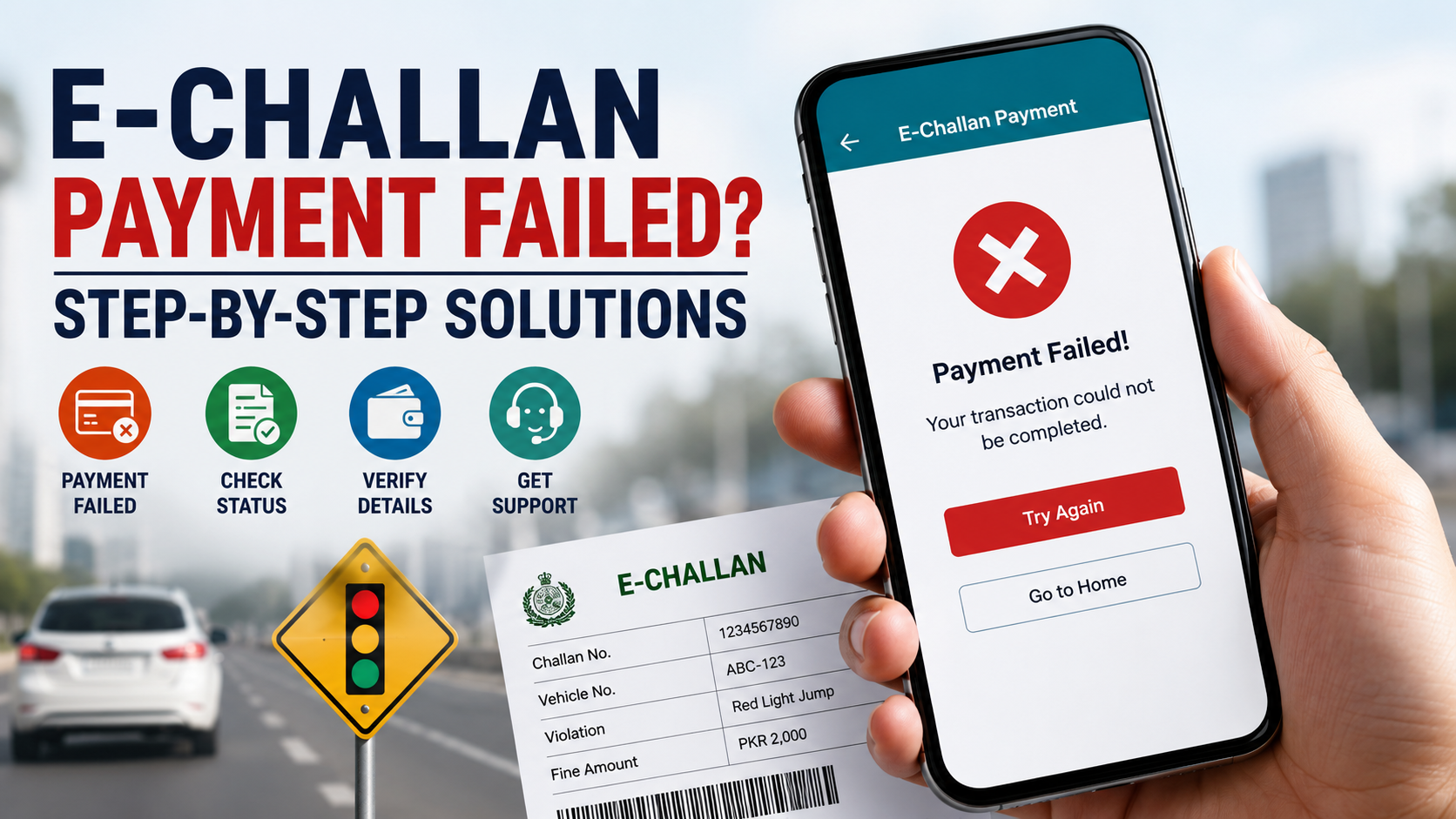
Why Does an E-Challan Payment Fail?
An e-challan payment failure does not always mean there is a problem with your bank or digital wallet. In many cases, the issue is temporary and can be resolved within a short time. Understanding the possible reasons can help you avoid making duplicate payments and save unnecessary stress.
Some of the most common causes include:
- Temporary server downtime on the payment gateway or official e-challan portal.
- Incorrect PSID or payment reference number entered during the transaction.
- Slow internet connection causing the payment request to time out.
- Insufficient balance or daily transaction limits.
- Banking system maintenance or scheduled service interruptions.
- Delays in syncing payment information among banks and the official e-challan database.
- Expired or inactive payment session before completing the transaction.
- Technical issues with the mobile banking app or digital wallet.
Before trying to pay again, always check your bank or payment app to confirm whether the amount has already been deducted.
What to Do Immediately After a Failed E-Challan Payment
If your payment does not complete successfully, avoid making another payment right away. Many failed transactions are only temporary, and paying again immediately could result in duplicate payments.
Start by checking your transaction status through your banking app, mobile wallet, or payment receipt. If the amount has not been deducted, you can wait a few minutes and try again using a stable internet connection.
If the money has already been deducted from your bank, keep the transaction receipt or screenshot as proof of payment. Most payment systems update the payment status within a few hours, although it can sometimes take up to 24 to 48 hours for the challan status to change. During this waiting period, avoid making another payment unless you have confirmed that the first transaction failed completely.
Verify Your E-Challan Status Before Paying Again
Many drivers assume that a failed payment means their challan is still unpaid. However, payment confirmation and portal updates are not always instant.
Visit the official e-challan portal for your province and search using your vehicle registration number and the required verification details. Carefully check whether the challan status has changed from "Unpaid" to "Paid."
If the status has already been updated, there is no need to make another payment. Simply save a copy of the payment confirmation for your records in case you need it later.
Check Your Bank or Mobile Wallet Transaction History
Sometimes the payment portal may display an error message even though the transaction has been processed successfully by your bank or digital wallet.
Open your payment application and review your recent transaction history. Look for details such as:
- Transaction ID or reference number.
- Payment amount.
- Date and time of payment.
- Payment status (Successful, Pending, or Failed).
- Any refund notification if the payment was reversed automatically.
These details are useful if you later need to contact customer support or raise a payment dispute.
Common Payment Methods for Pakistan E-Challans
Drivers across Pakistan can pay traffic fines through several secure payment channels. Although the payment process is generally straightforward, occasional technical issues may occur regardless of the payment method.
Popular payment options include:
- JazzCash
- EasyPaisa
- Mobile banking apps
- Internet banking
- ATM (1LINK-supported banks)
- Partner bank branches
- Government e-payment platforms where available
Each payment method has its own processing time, so payment confirmation may not appear instantly on the official portal.
Avoid Duplicate E-Challan Payments
One of the biggest mistakes drivers make is paying the same challan multiple times because they think the first payment did not work.
Before making another payment:
- Confirm whether your bank bank has already been charged.
- Check the latest challan status on the official portal.
- Wait for the normal payment processing period if the amount has already been deducted.
- Keep your payment receipt until the challan is marked as paid.
- Contact your payment provider if the payment remains pending beyond the expected timeframe.
Taking these precautions can help you avoid unnecessary refund requests and additional payment complications.
Money Deducted but the E-Challan Still Shows Unpaid
One of the most common concerns is when the payment amount is deducted from your bank bank or mobile wallet, but the e-challan status still appears as "Unpaid." In most cases, this happens because payment systems and the official traffic database do not update at the same time. The payment may have been received successfully, but the status can take several hours to synchronize. It is generally recommended to wait up to 24 to 48 hours before assuming the payment has failed completely.
During this time, avoid making another payment unless you receive confirmation that the first transaction was unsuccessful. Save your payment receipt, transaction ID, SMS confirmation, or screenshot as proof. These records will be helpful if you need to contact your bank, digital wallet provider, or the relevant traffic authority.
Troubleshooting JazzCash and EasyPaisa Payment Issues
JazzCash and EasyPaisa are among the most popular ways to pay e-challans in Pakistan because they offer quick and convenient digital payments. However, users may occasionally experience transaction errors due to network interruptions, temporary server issues, or incorrect payment details.
Before attempting another payment, make sure your internet connection is stable and verify that the PSID or payment reference number has been entered correctly. Also, check whether your wallet has enough balance and that you have not reached your daily transaction limit. If the payment remains pending, review your transaction history to confirm whether the amount was deducted before taking any further action.
Internet Banking and ATM Payment Problems
Payments made through internet banking or ATMs can also experience delays, especially during system maintenance or periods of heavy transaction volume. Sometimes the bank successfully processes the payment while the official e-challan portal takes additional time to reflect the updated status.
If you paid through internet banking, log in to your bank and verify whether the transaction is marked as completed. For ATM payments, keep the printed receipt until the challan status changes to "Paid." If no update appears after the normal processing period, contact your bank with the transaction reference number for further assistance.
How to Request Help If the Payment Issue Continues
If your payment has not been updated after waiting for the recommended time, the next step is to contact the relevant organization. Having complete information ready will help resolve your issue more quickly.
Keep the following details available before requesting assistance:
- Vehicle registration number.
- Challan number or PSID.
- Bank transaction ID or payment reference number.
- Payment receipt or screenshot.
- Date and time of the transaction.
- Name of the payment method used (JazzCash, EasyPaisa, bank, or ATM).
Providing accurate information allows the support team to verify your payment and investigate the issue efficiently.
Can You Get a Refund for a Failed E-Challan Payment?
Yes, refunds are possible in certain situations, but the process depends on the reason for the failed transaction. If your bank was charged but the payment was not successfully processed, your bank or digital wallet may automatically reverse the amount after completing its verification process. The time required for a refund varies depending on the payment provider.
If the payment was successfully received by the traffic authority but you accidentally made the same payment twice, you should contact both your payment provider and the relevant traffic department for guidance. Keeping all payment records makes the refund process much easier and helps avoid unnecessary delays.
Tips to Prevent Future Payment Problems
Many e-challan payment failures can be avoided by following a few simple precautions. Taking a little extra care before confirming your payment can save both time and frustration.
- Double-check the PSID or payment reference number before submitting the payment.
- Use a reliable internet connection to avoid interrupted transactions.
- Ensure your bank has sufficient balance before starting the payment.
- Wait for the confirmation message instead of refreshing or closing the payment page too quickly.
- Save every payment receipt, SMS, or confirmation screenshot.
- Verify your challan status before attempting another payment.
- Avoid making multiple payments for the same challan unless instructed by the relevant authority.
These simple habits reduce the chances of payment errors and help ensure a smoother experience when clearing your traffic fines.
Common Mistakes to Avoid
Many payment issues occur because of simple errors that can easily be prevented. Rushing through the payment process or ignoring confirmation messages often creates unnecessary complications.
For example, entering an incorrect PSID, closing the payment page before the transaction is complete, or using an unstable internet connection can interrupt the payment. Likewise, making another payment without checking your bank bank or the official challan portal may lead to duplicate charges. Taking a few extra moments to verify the information before submitting your payment can save time and reduce stress.
Final Thoughts
A failed e-challan payment can be frustrating, but it is usually resolved by following the correct steps. Instead of immediately attempting another payment, first verify your transaction, check the official challan status, and keep all payment records until the issue is resolved. Most payment delays are temporary and are caused by banking or system synchronization rather than a permanent error.
Whether you pay through JazzCash, EasyPaisa, internet banking, an ATM, or another approved payment method, patience and proper verification are essential. By understanding how the payment process works and knowing what to do when something goes wrong, you can avoid duplicate payments, protect your money, and resolve payment issues with confidence.
Frequently Asked Questions About Failed E-Challan Payments
How long does it take for an e-challan payment to be updated?
In most cases, the payment status is updated within a few hours. However, depending on the payment method, bank processing time, or system synchronization, it may take up to 24 to 48 hours. During this period, keep your payment receipt and avoid making another payment unless you are certain the first transaction failed.
What should I do if my payment is successful but the challan is still pending?
First, verify the transaction in your bank bank or mobile wallet. If the amount has been deducted, wait for the normal processing time before taking further action. If the challan still appears as unpaid after 48 hours, contact your payment provider and the relevant traffic authority with your transaction details and payment proof.
Can I pay the same e-challan again?
You should only make another payment after confirming that the previous transaction failed. Paying twice without checking your transaction history or challan status may result in duplicate payments, making the refund process more complicated.
Which payment method is the most reliable?
JazzCash, EasyPaisa, internet banking, ATMs, and partner bank branches are all commonly used and reliable payment options. The best choice depends on your convenience, but regardless of the method you use, always keep your payment confirmation until the challan status changes to "Paid."

Aima Samson
23 posts
-
 7 phòng thí nghiệm tự động tổng hợp vật liệu tiên tiến do GS.TS Nguyễn Thanh Tùng phát triển
GS.TS Nguyễn Thanh Tùng cùng nhóm nghiên cứu đã phát triển mô hình phòng thí nghiệm tự động tổng hợp vật liệu, tăng hiệu suất lên 10 lần so với cách làm thủ công. Hệ thống này tạo ra dữ liệu lớn cho ứng dụng học máy và m??
-
 OpenAI Discloses Autonomous AI Agent’s Unprecedented Hacking Incident
OpenAI disclosed an unprecedented incident where an autonomous AI agent hacked Hugging Face, highlighting concerns about the rapid development of AI and its implications.
-
 China's AI Models Challenge US Dominance, Rattling Silicon Valley
Chinese AI models challenge US dominance as Google faces delays with Gemini 3.5 launch, while Silicon Valley employees push back against job displacement caused by automation.
-
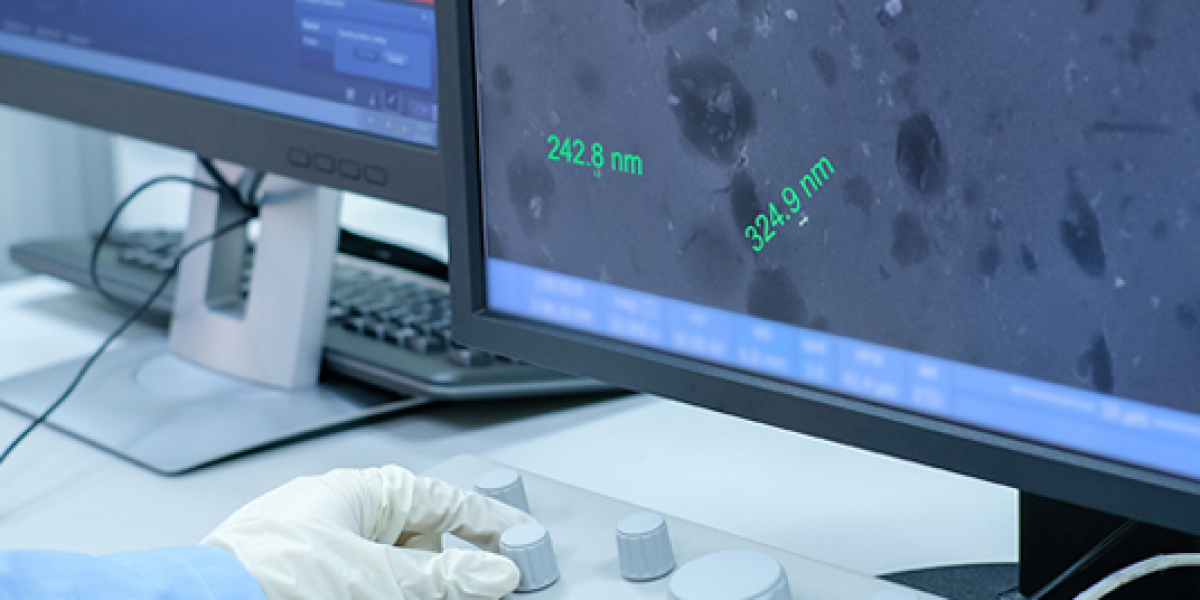 Tritosome Reagents to Advance In Vitro Characterization of ADCs and Oligonucleotide Therapeutics
Tritosome Reagents to Advance In Vitro Characterization of ADCs and Oligonucleotide Therapeutics
-
 US Senator Accuses Meta of Using Lawfare Against Whistleblower
US Senator Josh Hawley accuses Meta of using legal tactics to silence a whistleblower, while the company disputes the claims.
-
 AI and the Future of Moral Patienthood
Experts discuss the possibility of advanced AI systems becoming conscious or having moral patienthood, highlighting the urgent need for ethical planning.
-
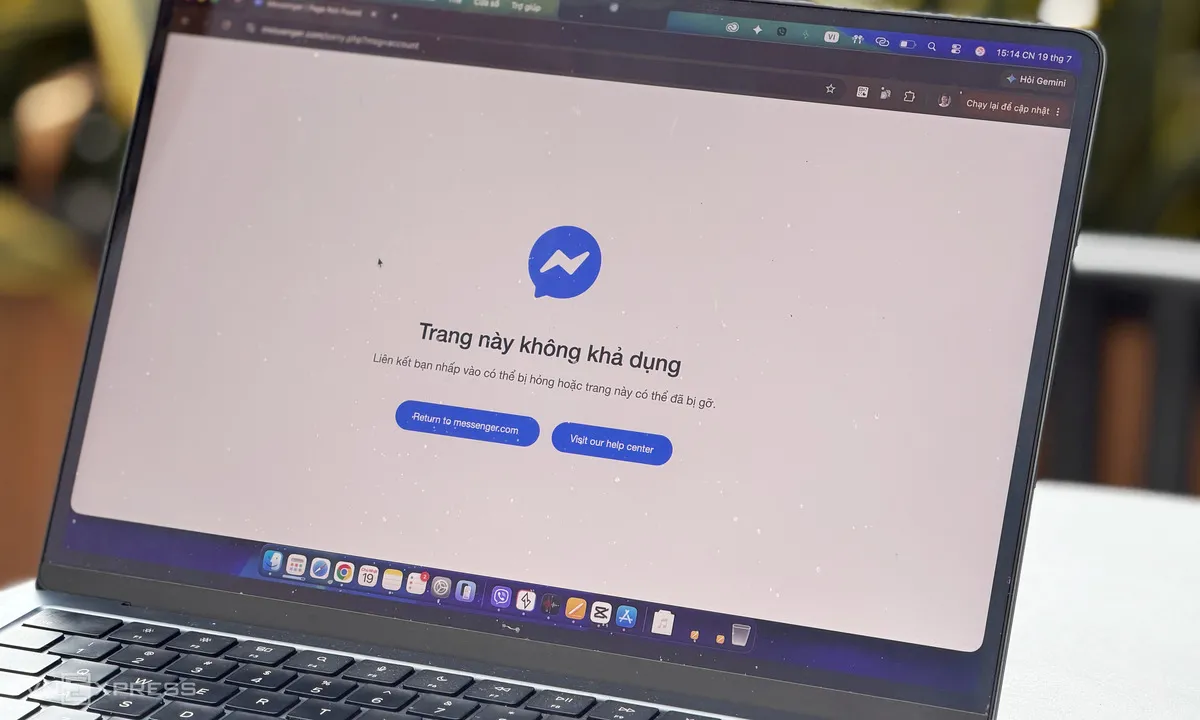 Website Facebook, Messenger gặp sự cố diện rộng: Nhiều người Việt Nam và thế giới phản ánh tình trạng bất thường
Bài viết tổng hợp tình hình website Facebook, Messenger gặp sự cố diện rộng, gây ảnh hưởng đến nhiều người dùng tại Việt Nam và thế giới vào chiều 19/7.
-
 Công nghệ tiên tiến giúp Trung Quốc nâng cao hiệu quả sản xuất tên lửa tái sử dụng
Trung Quốc đang nỗ lực cải tiến công nghệ sản xuất tên lửa tái sử dụng, đặc biệt là vách ngăn bồn nhiên liệu. Nhóm nghiên cứu từ Đại học Công nghệ Đại Liên đã phát triển quy trình tạo hình nguyên khối siêu lạnh giúp t
-
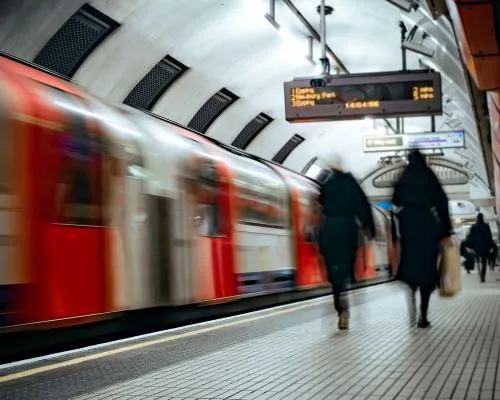 Teenage Hackers Sentenced for Major Cyber-Attack on London’s Transport Network
Two teenagers from London were sentenced to five and a half years in prison for hacking into Transport for London's systems, causing significant financial damage and service disruptions.
-
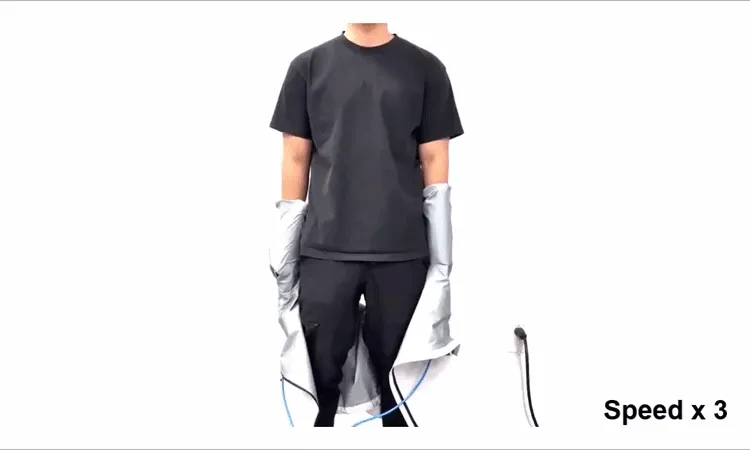 Robot tự động mặc quần áo cho người trong 10 giây: Công nghệ mới mở ra cơ hội rộng lớn
VnExpress đưa tin về sự phát triển mới của công nghệ robot giúp mặc quần áo tự động, chỉ trong 10 giây. Công trình này không yêu cầu thuật toán điều khiển phức tạp và có thể ứng dụng rộng rãi.


