When it comes to driving safely and protecting yourself from unexpected incidents on the road, having a dash cam is one of the smartest investments you can make. Dash cams hd car mirror cam are designed to record everything that happens while you're behind the wheel, providing essential evidence in case of an accident, dispute, or even an insurance claim. But one common question that many people ask is: Can I use a dash cam without an SD card?
The short answer is that most dash cams, including those from HD Mirror Cam, require an SD card to function properly. However, there are some exceptions and alternative solutions that may allow limited use without an SD card. In this guide, we will explore the importance of SD cards in dash cams, whether you can use them without one, potential alternatives, and why HD Mirror Cam is your best option for premium dash cam technology.
Understanding How Dash Cams Work
Before diving into whether you can use a dash cam without an SD card, it's essential to understand how these devices work. Dash cams are compact recording devices that continuously capture video footage while your vehicle is running. Most dash cams store this footage on a microSD card, which acts as the primary storage medium.
Key Functions of a Dash Cam
- Continuous Loop Recording – Dash cams record in loops, overwriting old footage when the card is full.
- Emergency Lock – Protects crucial recordings from being erased.
- Motion Detection – Captures footage even when the car is parked.
- G-Sensor Activation – Automatically saves footage in case of a collision.
- Night Vision – Ensures clear recording in low-light conditions.
All these features rely heavily on having a functioning storage system, usually in the form of an SD card.
Can a Dash Cam Work Without an SD Card?
Limited Functionality Without an SD Card
While some dash cams can technically turn on without an SD card, they won’t be able to store footage. Without storage, even if the camera is recording, the data will not be saved, meaning it won’t be useful in providing evidence when needed.
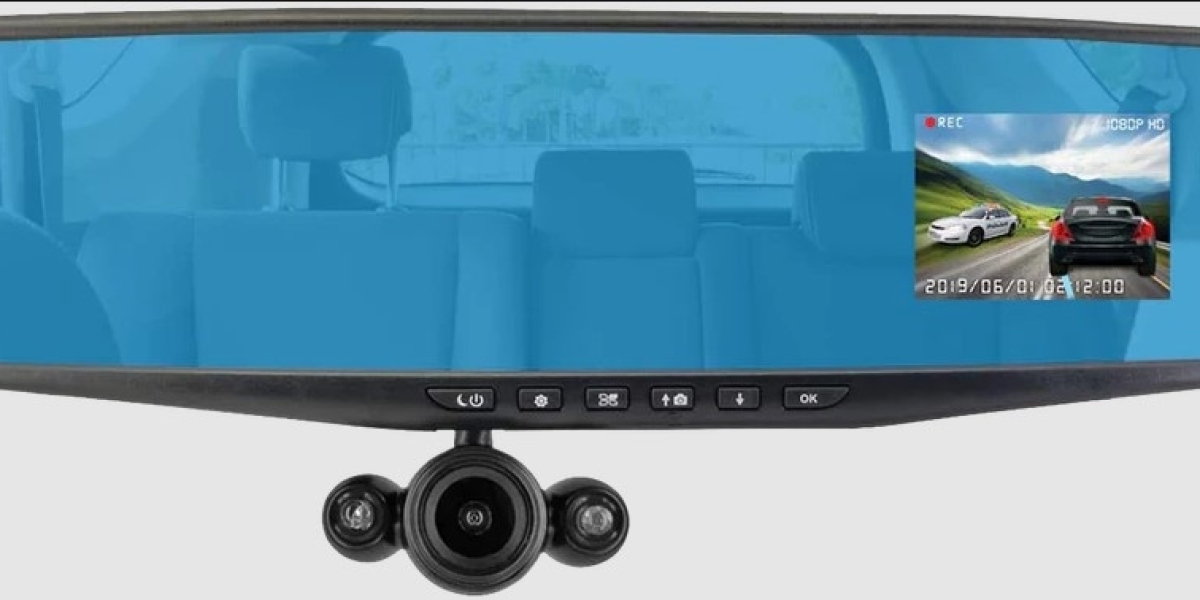
A few high-end dash cams, including some models from HD Mirror Cam, offer built-in memory options. However, these models usually have very limited internal storage, which is only meant for short-term or emergency use. If you're considering operating a dash cam without an SD card, here are a few things to keep in mind:
- Live Streaming Only – Some dash cams allow real-time streaming through a connected smartphone but won’t save footage.
- Cloud Storage Options – Certain premium dash cams support cloud backups but require a strong Wi-Fi connection.
- Limited Internal Storage – Some cameras have small built-in storage that only saves short clips.
Why You Need an SD Card for Optimal Performance
For the best performance, reliability, and safety, an SD card is a must. HD Mirror Cam dash cams are optimized for continuous recording, ensuring that you never miss crucial moments. By using a high-capacity, high-speed microSD card, you guarantee smooth, high-resolution video without frame drops or interruptions.
What Happens If You Use a Dash Cam Without an SD Card?
If you try to use a dash cam without an SD card, you might face the following issues:
- No Video Storage – Your dash cam may turn on, but it won’t retain any footage.
- Limited Features – Many features, including loop recording and emergency locks, won’t work properly.
- Error Messages – Some dash cams will continuously alert you to insert an SD card.
At HD Mirror Cam, we always recommend using a high-quality microSD card to avoid these problems and ensure that your dash cam performs at its best.
Alternative Storage Options for Dash Cams
Although SD cards are the most common and reliable storage solution, there are some alternatives that certain dash cams, including select models from HD Mirror Cam, may support.
Cloud Storage
Some advanced dash cams come with cloud storage capabilities, allowing footage to be uploaded online. However, this feature often requires a stable Wi-Fi or 4G connection, which may not be feasible for every driver.
USB Flash Drives
A few dash cam models support USB flash drives for video storage. This is not as common as SD cards, but it can be a viable alternative if your dash cam includes a USB port for storage.
Internal Memory
Certain premium dash cams have built-in internal storage, but the capacity is usually minimal. This may allow for a few minutes of recording before requiring you to transfer files or delete old footage.
Why Choose HD Mirror Cam for Your Dash Cam Needs?
When it comes to high-quality dash cams, HD Mirror Cam stands out as a top choice. Here’s why our customers trust us:
- High-Resolution Recording – Crystal-clear HD video quality.
- Reliable Storage Support – Compatible with high-speed SD cards for seamless recording.
- Cloud & Internal Storage – Some models offer alternative storage options.
- User-Friendly Features – Motion detection, G-sensor, and night vision for superior security.
- Durability & Performance – Built to withstand all weather conditions.
In-Depth Questions Related to Dash Cams and SD Cards
What Type of SD Card is Best for Dash Cams?
Choosing the right SD card is essential for ensuring that your dash cam operates efficiently. A high-endurance microSD card with at least Class 10 or UHS-1 speed is recommended. HD Mirror Cam dash cams work best with microSD cards ranging from 32GB to 256GB, depending on the model.
How Often Should I Replace My Dash Cam's SD Card?
SD cards wear out over time due to constant overwriting. It is recommended to replace your microSD card every 6-12 months for optimal performance. HD Mirror Cam advises using high-quality, durable SD cards for long-term reliability.
Can I Use a Dash Cam Without Formatting the SD Card?
While some dash cams allow plug-and-play operation, it is always best to format a new SD card before using it. Formatting ensures that the storage system is properly configured for your dash cam, preventing errors and corrupted files.
Are There Dash Cams That Don’t Require SD Cards?
While most dash cams rely on SD cards, there are a few models with internal storage or cloud capabilities. However, these models are rare and usually more expensive. HD Mirror Cam provides high-quality dash cams that support multiple storage options, ensuring you always have a reliable backup.
Conclusion: Invest in a Reliable Dash Cam with Proper Storage
In conclusion, while some dash cams may function without an SD card, they won’t provide the full benefits of video storage and evidence retention. For reliable performance, HD Mirror Cam strongly recommends using a high-quality microSD card with your dash cam. With features like high-definition recording, motion detection, and emergency footage protection, our dash cams offer top-tier security and peace of mind on the road.
If you’re looking for the best dash cam solutions Buy Dash Cam is your go-to brand. Explore our range of high-performance dash cams and choose the model that best fits your needs. Contact us today to learn more about how our products can enhance your driving experience!

Phamngoc King
28 posts
-
 Redefining Luxury: The Iconic M3M Golf Estate, Sector 65
In the bustling landscape of Gurugram, few addresses command the same level of prestige and architectural grandeur as M3M Golf Estate, Sector 65. As one of the most prominent residential landmarks along the Golf Course Extension Road, this project has effectively transformed the concept of
-
 Redefining Ultra-Luxury: A Deep Dive into Whiteland Westin Residences, Sector 103, Gurgaon
In the heart of the rapidly evolving Dwarka Expressway corridor, a new benchmark for premium living has emerged. Whiteland Westin Residences, located in Sector 103, Gurgaon, isn't just a residential project—it is a landmark collaboration that brings the world-renowned hospitality o
-
 Green Engineering and Health Optimization at Whiteland The Aspen
To address this, Whiteland Corporation integrated specialized CTMA3 Air Purification technology into the core building systems. This central air infrastructure works continuously to treat, filter, and circulate air throughout enclosed common areas, double-height entrance lobbies, and tower
-
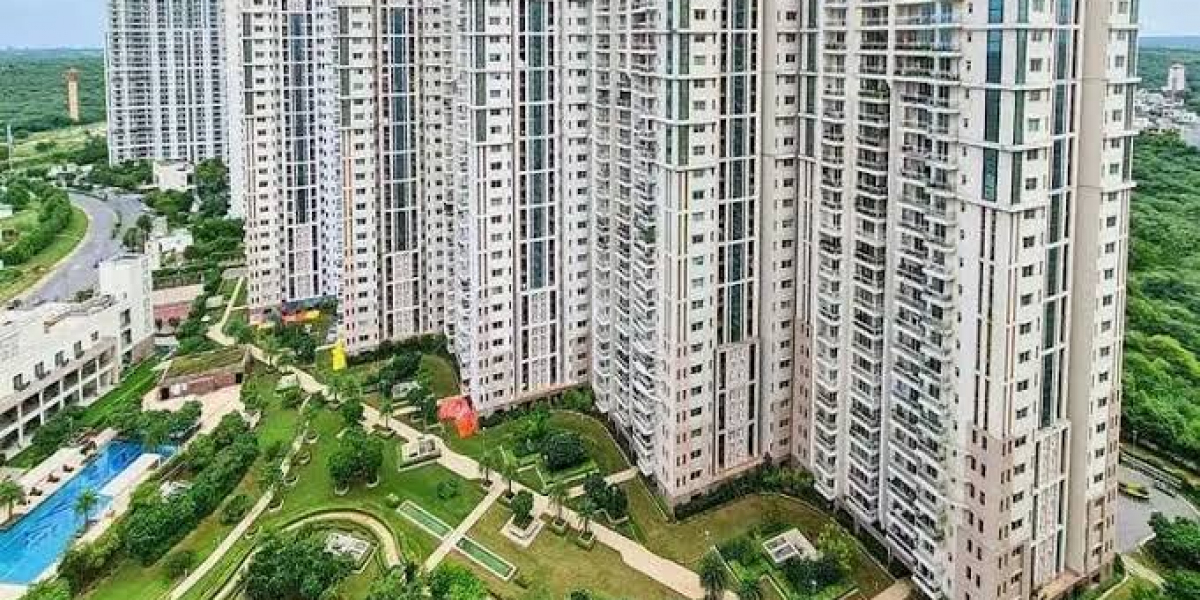 Mastering the Asset: Technical Infrastructure, Micro-Market Value, and Structural Layouts at DLF Park Place
This deep dive focuses on the granular technical infrastructure, exact structural layouts, and macro-economic factors that explain why this specific project maintains a massive edge over its competition in 2026.
-
 Brand Identity and Tenant Experience: Cultivating Loyalty at Elan Empire Gurgaon
Securing high occupancy in a premium high-street asset is only half the battle. For long-term viability, property management and individual investors must shift their focus to building tenant loyalty and creating a distinctive brand identity.
-
 Master Review: Evaluating Godrej Nature Plus, Sector 33, Gurgaon
The layout uses a smart structural pattern where towers are angled away from each other. This creates a staggered footprint that gives corner apartments clear, unblocked views of the Aravalli foothills while ensuring optimal morning and afternoon sunlight. Inside the towers, the floor plan
-
 BPTP Downtown 66: A Masterpiece of Vertical Luxury in Sector 66
BPTP Downtown 66 has emerged as one of the most anticipated high-rise developments on the Golf Course Extension Road. Designed by the globally acclaimed architectural firm Aedas, this project is not just a residential complex but a vertical ecosystem where luxury meets functionality.
-
 Aesthetic Clinic in Australia | Beauty Clinic in Carolina | PM Aesthetics
Discover a trusted aesthetic clinic in Australia and a professional beauty clinic in Carolina. PM Aesthetics offers advanced skincare, cosmetic treatments, and personalized beauty solutions.
-
 The Masterful Synergy at Signature Global Tonino Lamborghini
Signature Global Tonino Lamborghini Residences represents a ₹2,890 crore synergy of Italian supercar aesthetics and Indian engineering excellence in Sector 71.
-
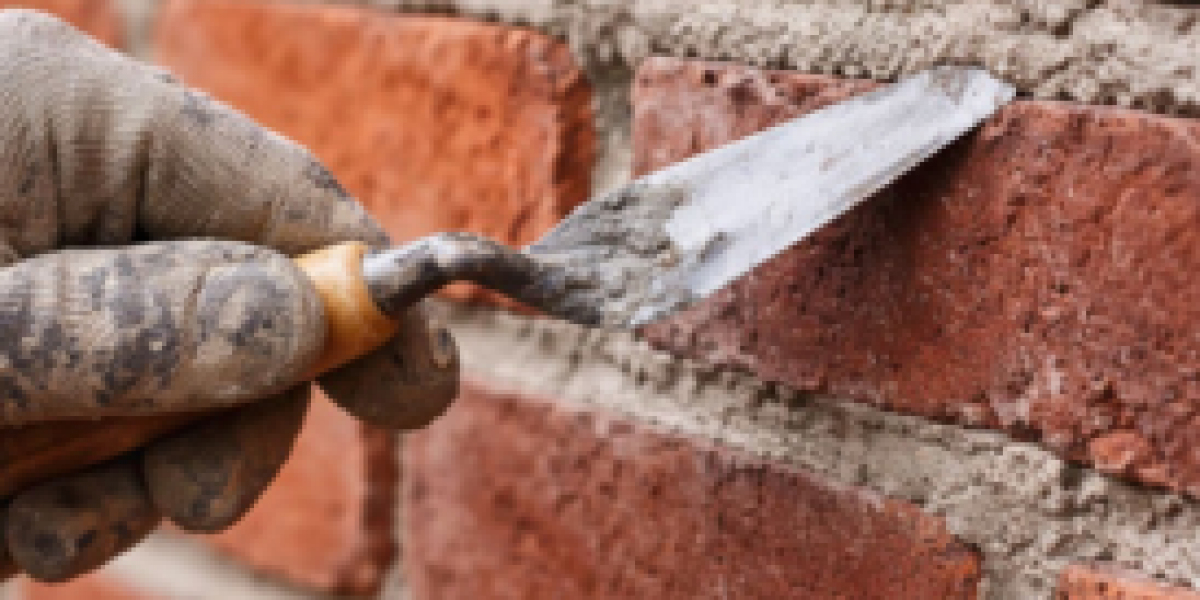 Sidewalk Repair NYC: A Complete Guide for Property Owners
Sidewalks in New York City endure constant wear and tear due to heavy foot traffic, extreme weather conditions, and tree root growth. Over time, cracks, uneven surfaces, and potholes can develop. These issues not only create an unpleasant appearance but also pose serious safety hazards for
-
 Why Natural Stone Wall Panels Are Becoming the First Choice for Modern Interiors
Discover why natural stone wall panels are becoming a top choice for modern interiors and exteriors. Learn about their durability, aesthetic appeal, and versatile applications for residential and commercial spaces.


