Determine Your Eligibility and Fees
- Check Your Ticket Type: The flexibility of your flight change depends heavily on the type of ticket you purchased.
- Economy Class: Generally less flexible, expect potential change fees and fare differences.
- Business Class: Often offers more flexibility with potentially lower change fees.
- First Class: Typically the most flexible with potentially the lowest change fees.
- Review the Fare Rules: Carefully examine the fare rules associated with your specific ticket. These rules outline the permitted changes, any applicable fees, and any fare differences you might encounter.
- Consider the Timeframe:
- Changes Made within 24 Hours: For most LATAM flights, changes made within 24 hours of the original booking are usually free, though fare differences may still apply.
- Changes made after 24 Hours: Expect potential change fees and fare differences, depending on your ticket type and the fare rules.
Choose Your Preferred Method of Change
- Online:
- LATAM Website:
- Visit the official LATAM Airlines website.
- Log in to your LATAM Pass account or enter your reservation code and last name.
- Access your booking and select the "Manage My Trip" or similar option.
- Choose the flight(s) you wish to change.
- Select new travel dates and times.
- Review the updated itinerary, including any applicable fees and fare differences.
- Confirm the changes and proceed with payment if required.
- LATAM Mobile App:
- Download the official LATAM Airlines app.
- Log in to your account or enter your reservation details.
- Follow the on-screen prompts to select your new flight dates and make the necessary changes.
- Contact LATAM Customer Service:
- Call the LATAM customer service number.
- Provide your reservation details and explain your desired flight change.
- A customer service agent will assist you in modifying your itinerary.
Make the Changes
- Select New Flights: Choose the most suitable flights for your new travel dates and times. Consider factors like flight duration, layovers, and arrival/departure times.
- Pay Applicable Fees: If applicable, pay any change fees and fare differences. You can usually pay by credit card or other accepted payment methods.
- Receive Confirmation: Once the changes are processed, you will receive an email confirmation with your updated itinerary.
Important Considerations
- Fare Differences: Be prepared for potential fare differences. If the new flight is more expensive than the original, you will be responsible for paying the difference.
- Seat Selection: Your original seat assignments may no longer be available after the flight change. You may need to re-select your seats for the new flights.
- Baggage Allowance: Review the baggage allowance for your new flights, as it may differ from your original booking.
Disclaimer:
- This information is for general guidance only.
- Specific policies and procedures may vary depending on the fare rules, ticket type, and other factors.
- Always refer to the official LATAM Airlines website or contact customer service for the most up-to-date information and assistance.
By following these steps and carefully reviewing the fare rules and policies, you can successfully change your LATAM Airlines flight date and adjust your travel plans accordingly.
How can I change my flight date with LATAM Airlines?

To change your flight date with LATAM Airlines, log into your LATAM account on their official website or app. Navigate to the “My Trips” section, select the booking you wish to modify, and click “Change Flight.” Enter your preferred new travel dates, review the available options, and confirm the change. You may need to pay a fare difference or change fee, depending on your ticket’s terms. For assistance, you can also contact LATAM’s customer service. Ensure your changes are completed well in advance of your original departure date.
Are there fees for changing my flight date on LATAM Airlines?
Fees for changing your flight date depend on your ticket type and fare class. LATAM Airlines offers flexible fare options; some allow free changes, while others may require you to pay a change fee and any fare difference. Review the terms and conditions of your ticket in the “My Trips” section or during the booking process. Special policies may apply during irregular operations or for flights affected by disruptions. For clarification on fees, check LATAM’s website or contact their customer support.
Can I change my LATAM Airlines flight date online?
Yes, you can change your flight date online through the LATAM website or mobile app. After logging into your account, go to “My Trips” and select the booking you wish to update. Click “Change Flight” and input your preferred new dates. The system will display available options, including any applicable fees or fare differences. Confirm the changes and complete the payment, if necessary. Ensure you save your updated itinerary for reference. Online changes offer a convenient way to manage your booking without calling customer service.
What happens if my new travel dates cost more with LATAM Airlines?
If your new travel dates result in a higher fare, you must pay the fare difference in addition to any applicable change fees. LATAM Airlines will calculate the difference during the flight change process and display the total cost before you confirm. Conversely, if the new fare is lower, LATAM may not issue a refund for the difference unless specified in your ticket’s terms. Always review the pricing breakdown carefully to understand the financial implications of your date change.
Can I change my LATAM Airlines flight date at the airport?
Yes, you can change your flight date at LATAM Airlines’ airport service counters. Speak to a representative, provide your booking details, and request the change. They will inform you about available options, any additional fees, and fare differences.
Read Also: Latam Change Flight
While this option is helpful for last-minute changes, availability may be limited closer to the departure time. It is recommended to make changes online or through customer service in advance to secure your preferred travel dates and avoid higher costs or limited options

James Lane
1 posts
-
 Cây số 17 km trên biển mở ra trải nghiệm mới cho du khách tại Cà Mau
Cà Mau mở ra trải nghiệm mới cho du khách với hệ thống cầu dẫn dài 17 km trên biển, kết hợp tham quan công trình năng lượng tái tạo và du lịch sinh thái.
-
 Travel + Leisure khen ngợi hành trình tàu Thống Nhất qua di sản Việt Nam
Tạp chí Mỹ Travel + Leisure gợi ý trải nghiệm hành trình tàu Thống Nhất ở Việt Nam. Bài viết phân tích chi tiết về tuyến đường sắt đẹp nhất thế giới này, từ thời điểm tốt để đi đến các địa điểm không thể bỏ qua.
-
 Du khách săn ảnh tàu hỏa chạy qua vịnh Lăng Cô: Cận cảnh hành trình đẹp nhất
Hướng dẫn chi tiết về cách săn ảnh đoàn tàu Thống Nhất chạy qua vịnh Lăng Cô và gợi ý lịch trình du lịch lý tưởng.
-
 3 'cung điện thạch nhũ' chưa từng thấy ở Quảng Trị
Bài viết giới thiệu về hành trình phát hiện và khám phá hang Victory Cave tại Quảng Trị, một hệ thống hang động chưa từng được khai thác. Chi tiết về quy mô, địa điểm và giá cả du lịch.
-
 80% người dân Eritrea viết thư tay thay vì dùng Internet
80% dân số Eritrea vẫn sống trong thời kỳ 1990 bằng cách viết thư tay thay vì sử dụng Internet, khiến vlogger Jordan Joe HaTTab phải suy ngẫm về cách kết nối truyền thống tại quốc gia này.
-
 9 tỷ USD từ du khách quốc tế: Kinh nghiệm hữu ích cho người Việt khi đi
Việt Nam thu hút hơn 9 tỷ USD từ du khách quốc tế nửa đầu năm 2026 với gần 12,3 triệu lượt khách, tạo thặng dư cho ngành du lịch.
-
 Endau-Rompin: Rừng Mưa Nhiệt Đới Lâu Đại Tại Malaysia
Endau-Rompin là khu rừng mưa nhiệt đới lâu đời nhất thế giới, thu hút du khách khám phá hệ sinh thái đa dạng.
-
 Cổ động viên Anh mất tích 10 ngày tại Barcelona sau World Cup
Một cổ động viên Anh mất tích 10 ngày tại Barcelona, sau đó được tìm thấy tại quán bar xem World Cup.
-
 High-Performance Humanized Control Antibodies to Advance Infectious Disease Diagnostics
High-Performance Humanized Control Antibodies to Advance Infectious Disease Diagnostics
-
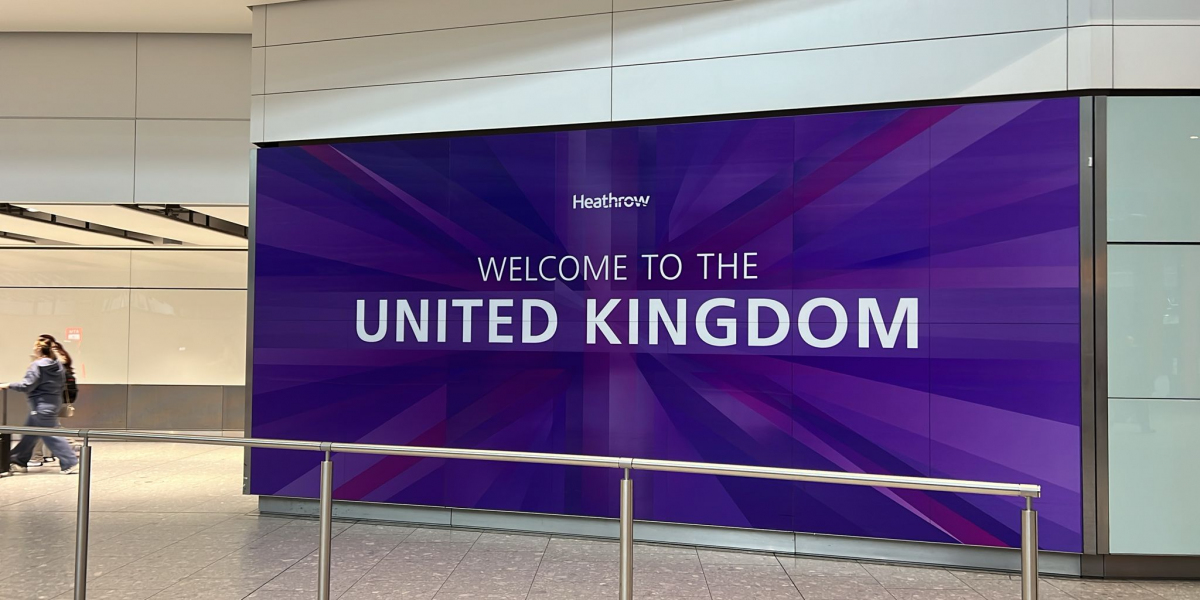 Airport Taxi Costs in London: Taxi Fare to Luton Airport, Taxi Prices London Stansted, Taxi to Gatwick Price, Cab Fare t
Airport Taxi Costs in London: Taxi Fare to Luton Airport, Taxi Prices London Stansted, Taxi to Gatwick Price, Cab Fare to Heathrow and Heathrow Drop Off Guide
-
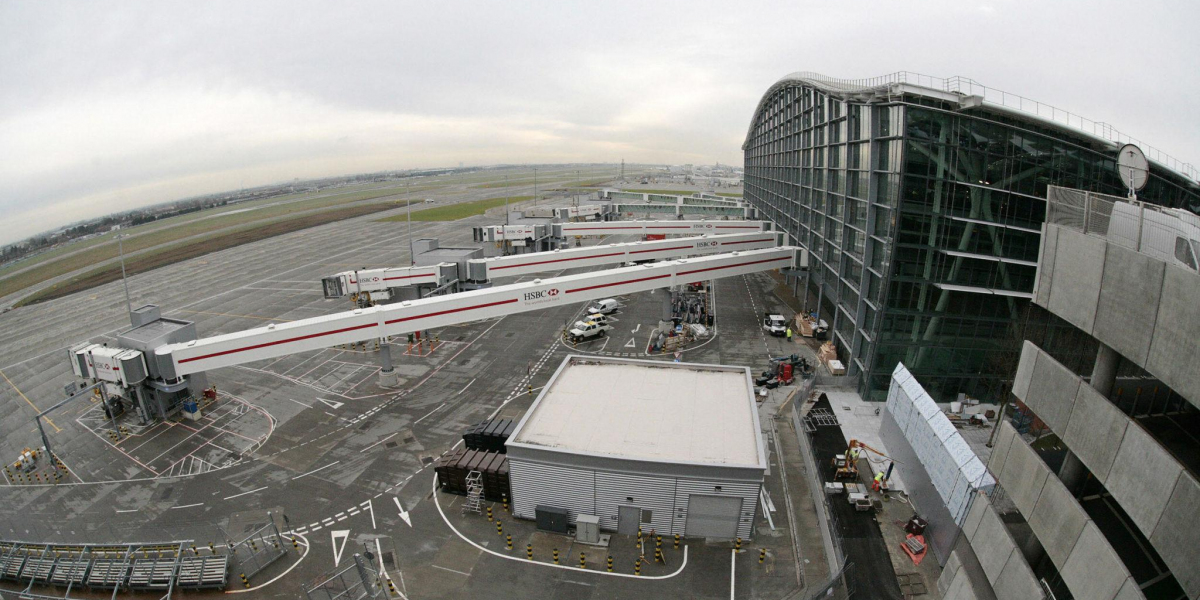 Black Cab Taxi Fares London Calculator: Understanding Taxi Rates in London and How Much Does a Taxi Cab Cost
Black Cab Taxi Fares London Calculator: Understanding Taxi Rates in London and How Much Does a Taxi Cab Cost


