Key Takeaways
- Bullet icons can enhance readability and draw attention to key features.
- However, improper use may violate Amazon’s guidelines, risking suppression.
- Sellers must use compliant symbols that improve user experience without breaking rules.
- Professional Amazon product listing service ensures icons are used strategically and safely.
Introduction: Should You Use Bullet Icons?
Bullet points are critical for Amazon conversions, but many sellers experiment with icons to make them stand out.
The question is: Do bullet icons help or hurt your listing performance?
1. What Are Bullet Icons in Amazon Listings?
Bullet icons are small symbols like:
- Checkmarks
- Stars
- Arrows
These can replace standard bullets to highlight features visually.
Icon Type | Purpose |
Checkmark | Signals benefits quickly |
Star | Emphasizes top features |
Arrow | Guides attention |
2. Why Sellers Use Icons
- Improves readability by breaking up text
- Draws the eye to important benefits
- Creates a visual hierarchy in feature lists
Shoppers scan listings—icons can make key points pop.
3. The Risks of Using Icons
- Some icons are not supported in Amazon’s backend editor
- Overuse may look spammy
- Certain symbols may trigger listing suppression
Risk Factor |  Impact on Listing |
Unsupported Unicode | Formatting errors |
Excessive Icons | Poor user experience |
Non-Compliant Symbols | Policy violation |
4. Amazon’s Official Policy on Icons
Amazon does not explicitly ban simple icons, but:
- They must not distract or mislead buyers
- They must display correctly across devices
- They cannot contain promotional text (e.g., ★Best Seller★)
Safe icons: ✓, ➤, •
Risky icons: ?, ?, emoji symbols
5. Table: Safe vs. Risky Icons
Icon Use | Safe Example | Risky Example |
Checkmarks | ✓ Durable design | Boost sales now! |
Stars | ★ Quality feature | Best ever guaranteed! |
Arrows | ➤ Easy installation | ➤ Limited offer! |
6. Case Study: Proper Icon Use Increased Conversions
Client: Kitchenware Brand
Action: Added subtle checkmark icons to bullet points
Metric | Before Icons | After 30 Days |
CTR | 2.0% | 4.3% |
Conversion Rate | 9% | 18% |
Sales | $10,200 | $24,500 |
Strategic icons improved readability and buyer engagement.
7. When Icons Hurt Performance
- Using icons that don’t render properly on mobile
- Stuffing every bullet with multiple symbols
- Using icons in a way that violates Amazon’s visual style
Keep them minimal and clean.
8. Best Practices for Using Bullet Icons
- Use one icon per bullet at most
- Stick to simple, Unicode-safe characters
- Test listings on both desktop and mobile
9. Why Use a Professional Listing Service?
Expert Amazon product listing service:
- Knows which icons are Amazon-compliant
- Enhances bullets with visual hierarchy without policy risks
- Optimizes formatting for higher conversions
10. Final Tips on Bullet Icon Usage
- Use icons sparingly and strategically
- Always test to ensure no rendering issues
- Combine icons with clear, benefit-driven copy
Final Thoughts & CTA
Bullet icons can help when used correctly but hurt when abused.
The key is compliance, minimalism, and strategic placement.
Bridgeway Digital’s Amazon product listing service creates optimized, compliant listings that use icons effectively to boost conversions.
Want visually optimized bullets without risking suppression? Let’s upgrade your listings today.
BridgewayDigital maximizes your digital and Amazon potential—expect 3x industry-standard returns. Begin with your free proposal now!

ORM Systems
11 posts
-
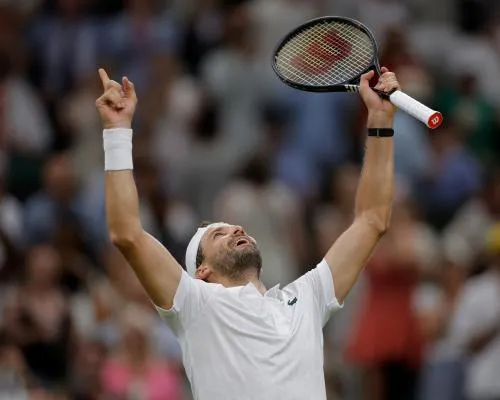 Wimbledon 2026: Unforgettable Matches and Surprising Upsets
Day six at Wimbledon sees Bublik outlast Tiafoe and Dimitrov secure his place in the fourth round amid several upsets.
-
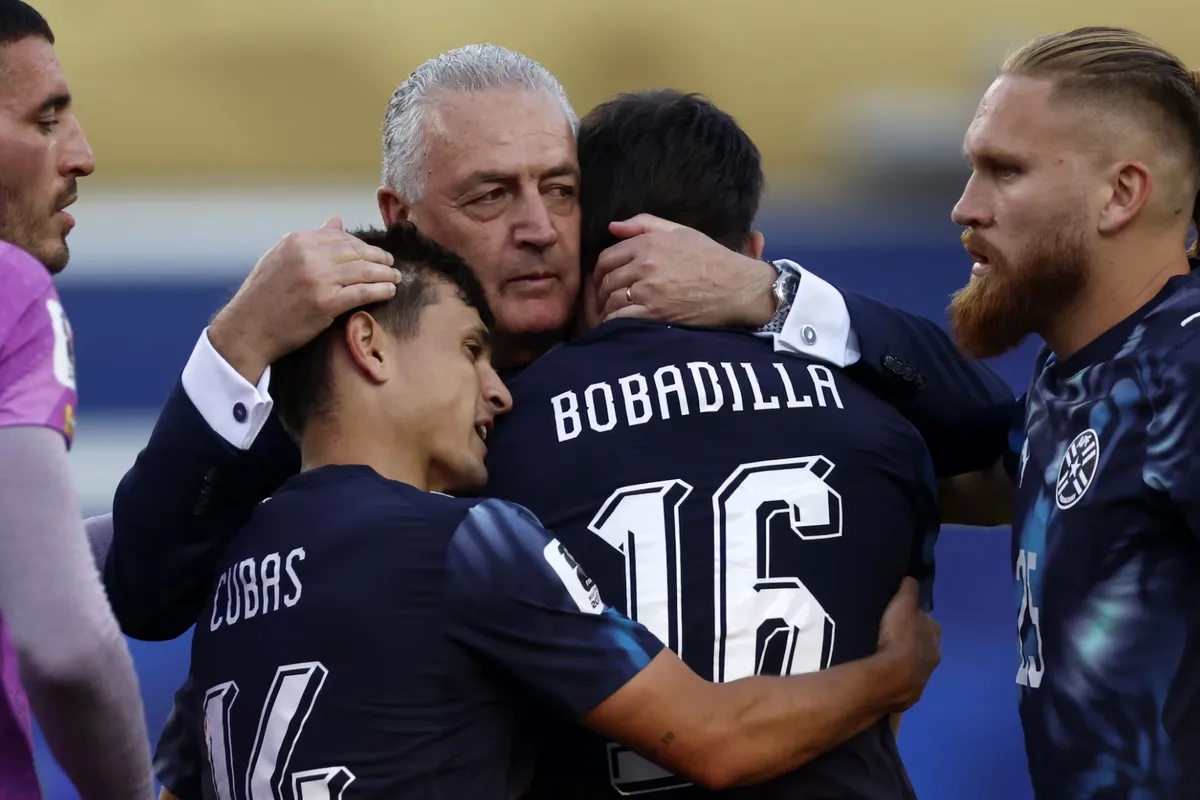 Paraguay - màn tra tấn thể lực và người thầy thích nhả chữ: HLV Gustavo Alfaro ép cầu thủ đến tận cùng sức lực
Các cầu thủ Paraguay miệt mài tập luyện dưới nắng gắt, trong khi HLV Gustavo Alfaro áp dụng bài tập ‘bứt tốc 15/15’ để tăng cường thể lực. Tây Ban Nha đã chia sẻ kinh nghiệm với Paraguay trước thềm vòng 32 đội World Cup 2026.
-
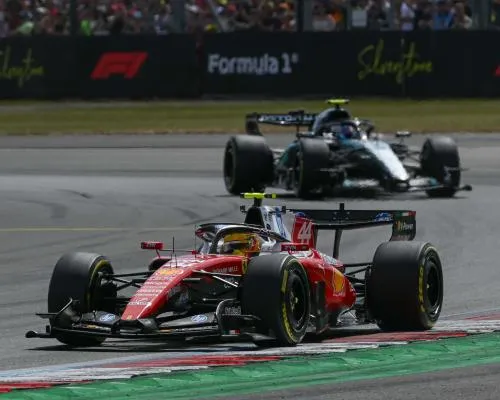 British GP Qualifying After Antonelli's Thrilling Sprint Race Victory
Antonelli won the sprint race at Silverstone, beating Hamilton and securing third place for British GP qualifying.
-
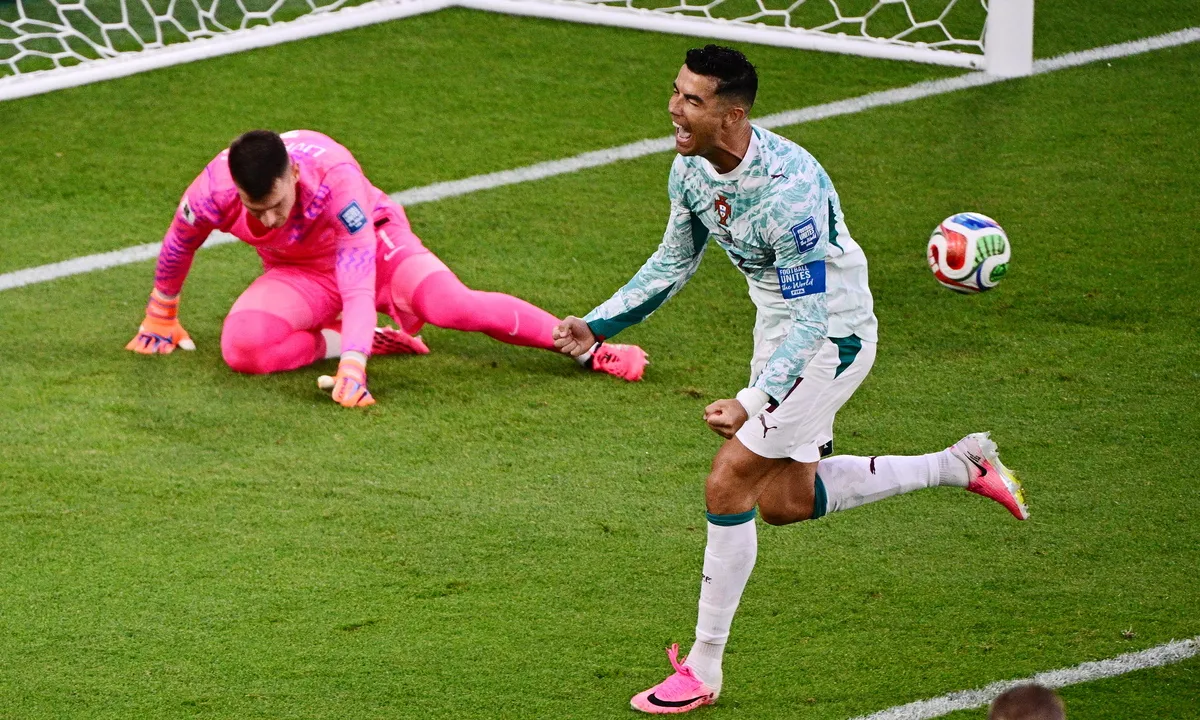 Messi: Siêu nhân, Ronaldo: Người Dơi – Quan điểm mới của Chicharito
Chicharito đưa ra quan điểm mới về Messi (Siêu nhân) và Ronaldo (Người Dơi), phân tích tài năng thiên bẩm của Messi và sự nỗ lực, kỷ luật của Ronaldo.
-
 Sabalenka Demonstrates Growth with Victory Over Ostapenko at Wimbledon
Aryna Sabalenka’s game improvements at Wimbledon include serve and volley techniques, as seen in her straight-set win over Jelena Ostapenko. Her ranking could face a challenge if Elena Rybakina wins the title.
-
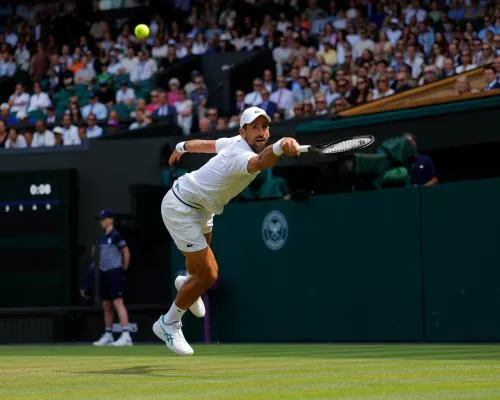 Djokovic Hangs On to Top Rinderknech and Stay Alive for Grand Slam No. 25
Novak Djokovic secured a narrow victory over Arthur Rinderknech in a highly competitive Wimbledon match, bringing him closer to tying Roger Federer's record of 105 men's singles match wins at the tournament.
-
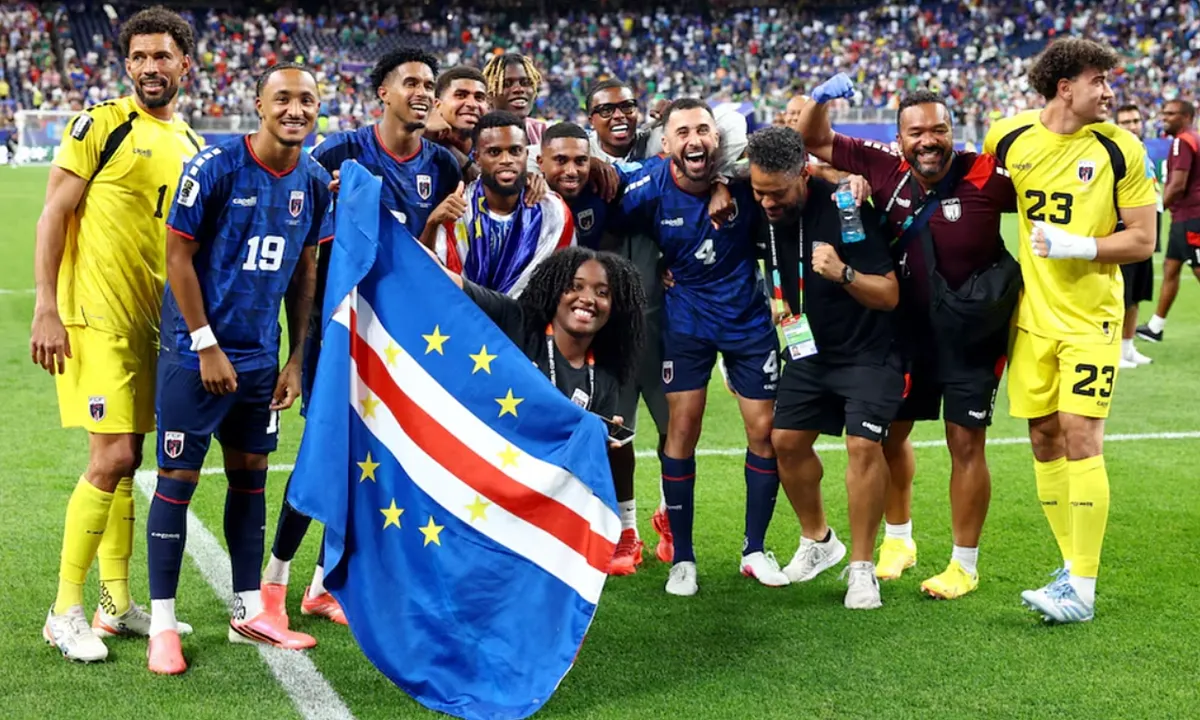 Khoản hỗ trợ từ FIFA: Chìa khóa biến Cape Verde trở thành hiện tượng World Cup
Cape Verde trở thành hiện tượng World Cup 2026 nhờ vào khoản hỗ trợ lớn từ FIFA giúp xây dựng hạ tầng và phát triển bóng đá.
-
 Wimbledon 2026: Highlights and Key Moments from Day One
Highlights from Wimbledon Day One include surprising upsets, top seed progressions, and thrilling matches that captured spectators' attention.
-
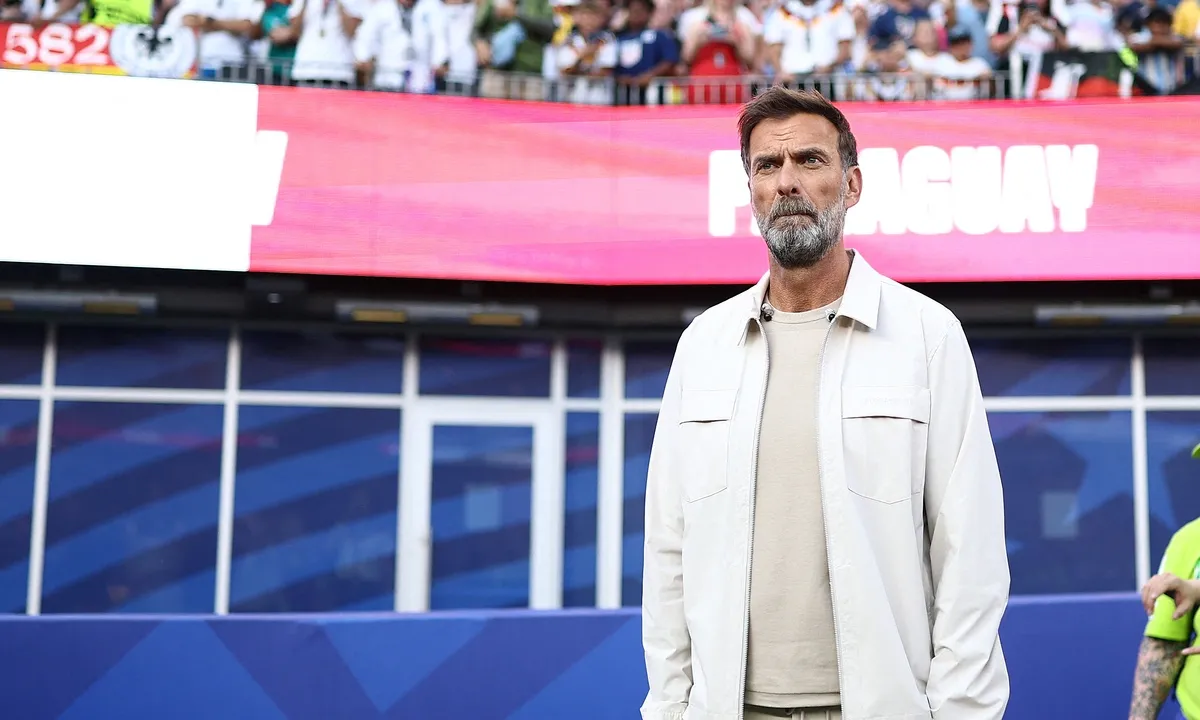 Klopp Gật Đầu Đẫn Dắt Đội Tuyển Đức Sau Sựienie Nagelsmann
Jurgen Klopp đồng ý trở thành HLV mới của đội tuyển Đức thay thế Julian Nagelsmann sau khi đội bóng quốc gia thất bại tại World Cup 2026.
-
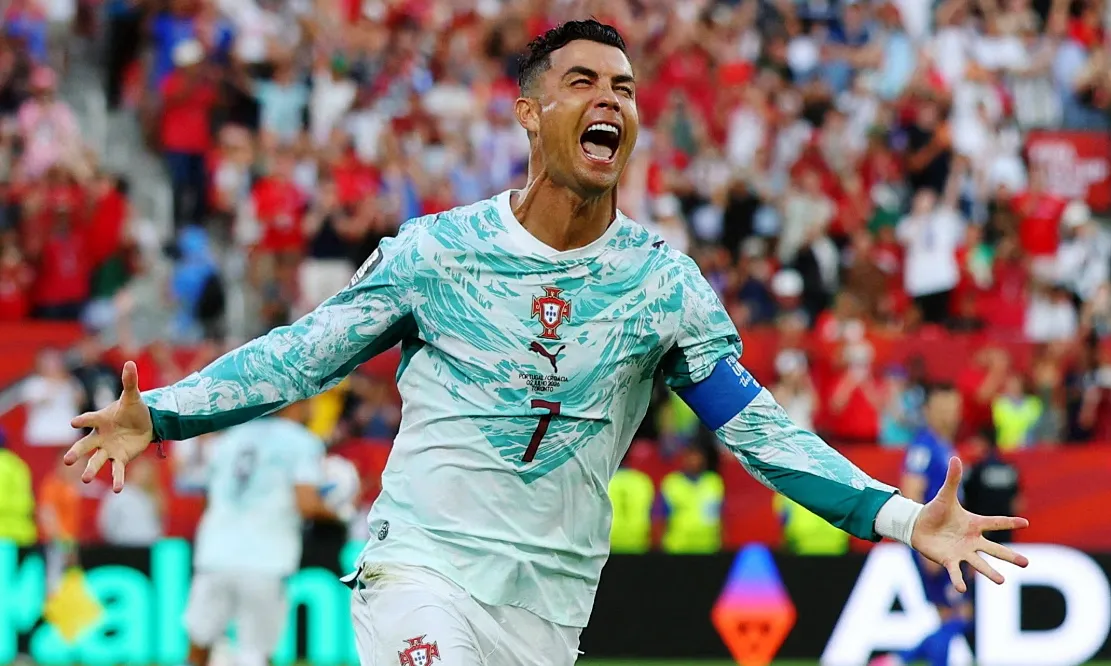 Ronaldo ngỏ ý chia tay đội tuyển quốc gia sau World Cup 2026
Cristiano Ronaldo và gia đình của anh cho rằng World Cup 2026 có thể là giải đấu cuối cùng mà CR7 khoác áo đội tuyển quốc gia, dù những chỉ trích thời gian qua không ảnh hưởng đến họ.
-
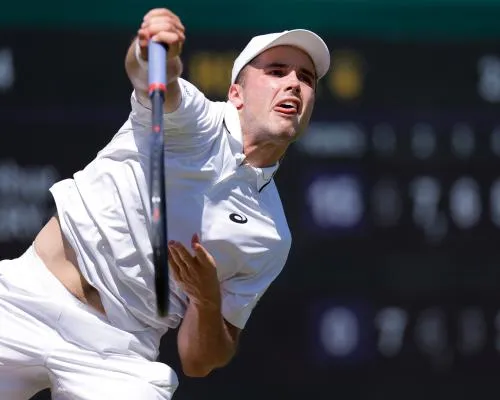 Fery defies nosebleed to carry British hopes into round three but Swan bows out
Arthur Fery defeated Otto Virtanen 5-7, 7-6 (3), 6-3, 6-3, while Madison Keys beat Katie Swan 6-1, 6-4 in the second round at Wimbledon


